Architecture Built for Absolute Reliability
Discover the engineering principles and architectural decisions that make FocusFlow the most resilient, distraction-free productivity timer for Windows workstations.
Zero-Drift Timestamp Calculation Engine
Most simple web timers fail because they count seconds using naive setInterval(). When Windows suspends background processes, your laptop lid closes, or CPU throttling occurs, those timers lose seconds and drift by minutes.
FocusFlow calculates every tick against an absolute future epoch timestamp (endTime = now + remainingMs). When your machine wakes from sleep or hibernation, FocusFlow immediately reconciles the delta. Your time is always 100% physically accurate.
Main Dashboard + Floating Mini Widget
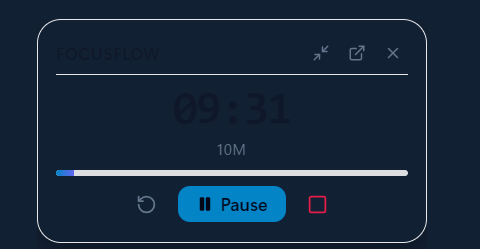
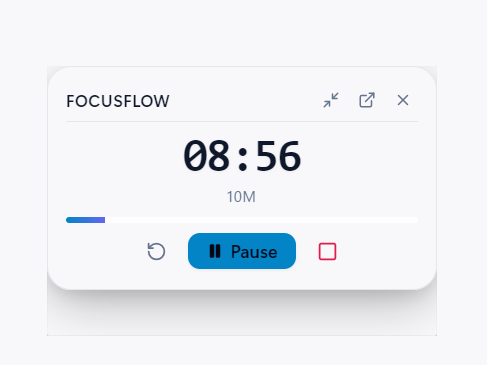
FocusFlow separates setup from execution. You configure goals and review analytics in the spacious 960×680 Main Dashboard. When deep work begins, it collapses into a lightweight always-on-top floating counter.
Always-On-Top Pinning
Leverages native Windows Win32 window flags (WS_EX_TOPMOST) to float above all full-screen IDEs and browsers.
Ultra-Compact Pill Mode (140×46px)
One click collapses the widget to a discrete mini-pill that snaps into any corner of your screen without occluding UI toolbars.
Non-Destructive Full-Screen Celebration Overlay
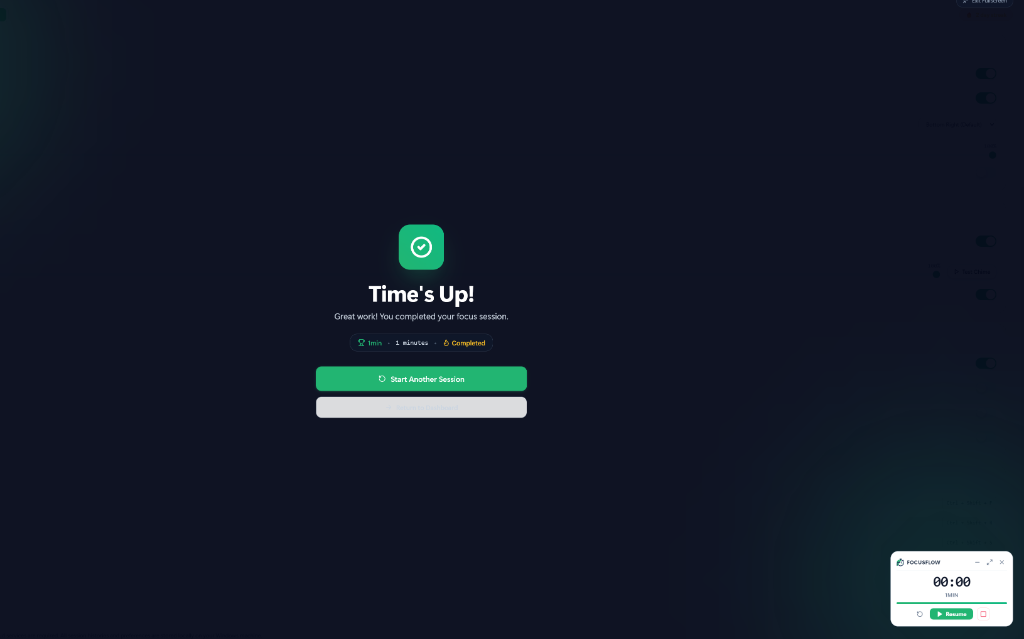
Completing a focus block deserves genuine recognition. When time expires, FocusFlow launches a dedicated, independent celebration overlay window with smooth confetti particle bursts and a peaceful chime.
Crucially, this celebration is non-destructive: it is an independent transparent overlay rendered above your screen. It will never resize, minimize, or alter your active coding tabs, Figma artboards, or document layouts.
Tailored Presets & Global Windows Hotkeys
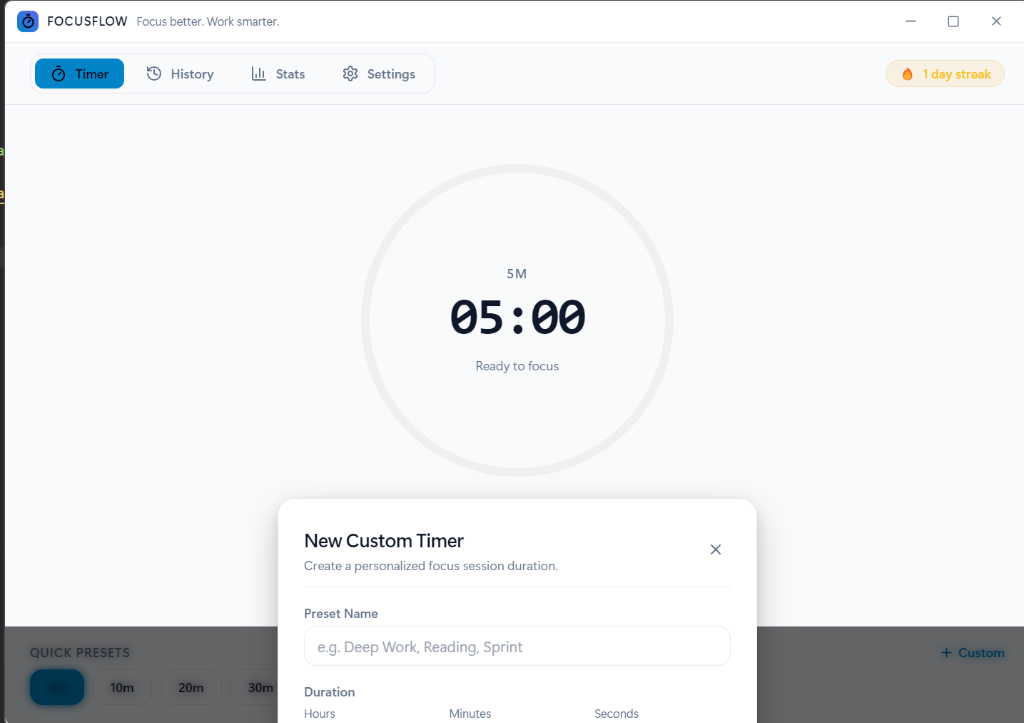
Rigid 25-minute Pomodoro timers don’t fit every project. FocusFlow empowers you to define custom timer presets with exact hours, minutes, and seconds.
Trigger pause or resume instantly from within any app without Alt+Tab.
Quickly restart your sprint when an unexpected phone call occurs.
100% Offline Local JSON Storage
Your productivity data belongs exclusively to you. FocusFlow stores session histories, streaks, and configurations in standard, human-readable JSON files located in %APPDATA%\focusflow.